How it works
From lead list to live site.
CurbPitch runs on your own Mac or Windows PC alongside your own Claude Code account. Here is what you click, and what happens next.
Step 01
Scan for leads
You
- Click Scan for leads. Pick an industry, or type your own.
- Choose a city, county, ZIP code or state.
- Show businesses with no website, a bad website, or both. You see the cost before it runs (your own Apify account).
CurbPitch
- Scans Google Maps and grades every website it finds.
- Add the results you want to your lead board, ranked so the best opportunities sit at the top. A lead CSV import still works too.
Step 02
Build a demo in one click
You
- Open a lead.
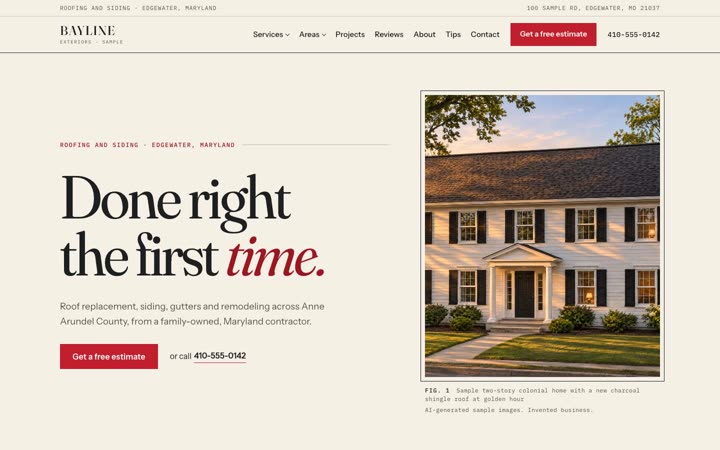
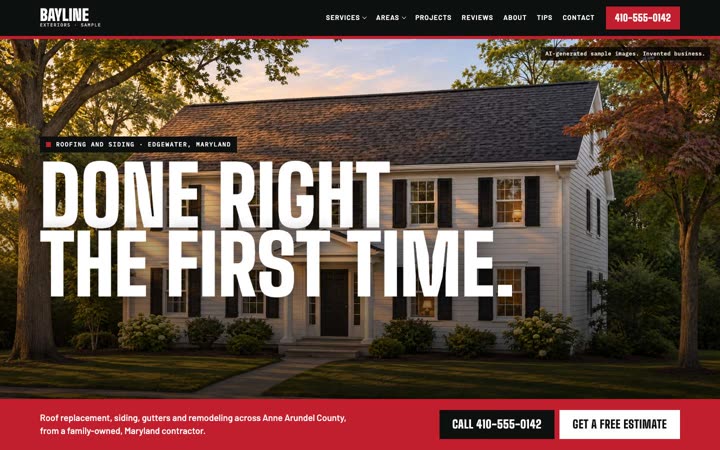
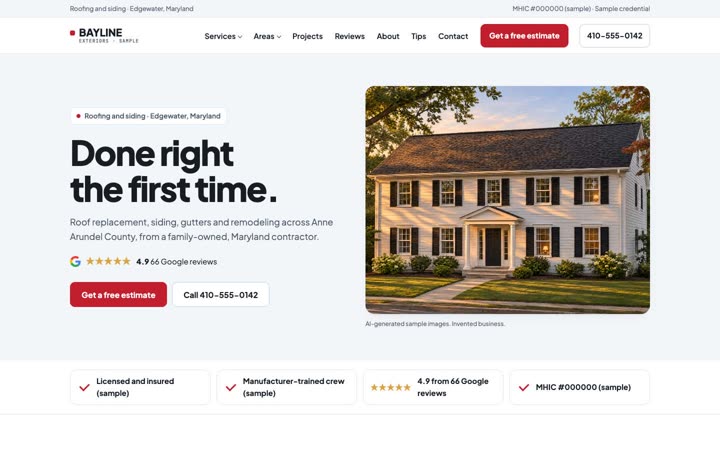
- Pick one of 12 designs: six for home services, plus Supper (restaurants), Chair (salons), Rack (boutiques), Block (detailing), Studio (fitness) and Map (real estate).
- Build the demo.
CurbPitch
- Pulls the business's real photos and real reviews.
- Enhances their real photos with AI and labels every AI image.
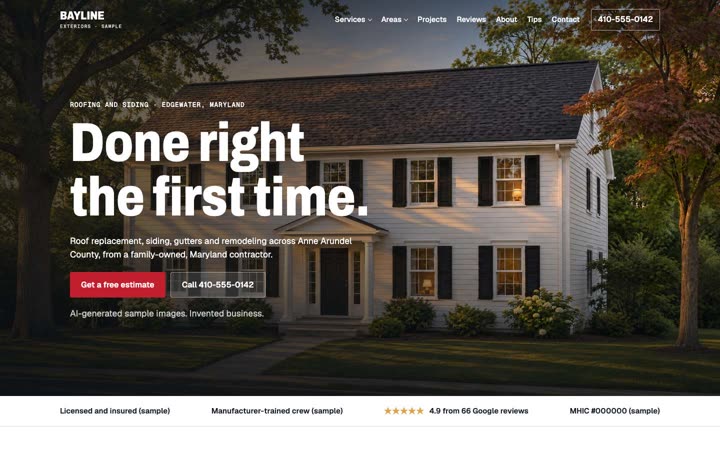
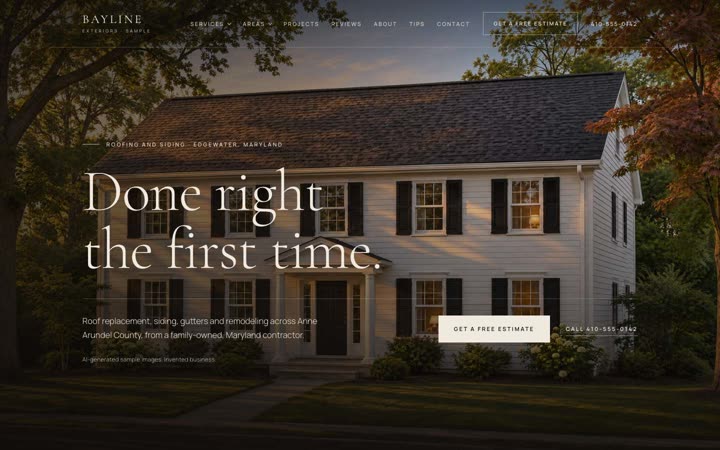
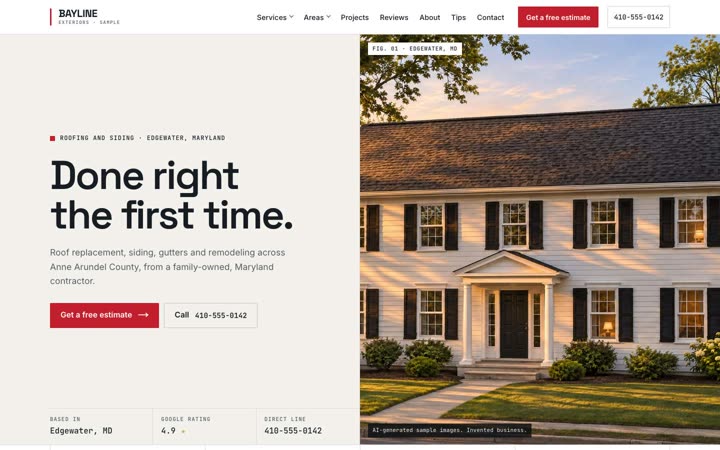
- Builds a private demo with interactive sections matched to their business: an option picker for what they sell (shingle and siding colors, cabinet finishes, water heater or HVAC models), a before-and-after slider, a step-by-step story of a real job, and a proposal with pricing.
Real photos only. A lead without real photos of their work gets flagged back to you, not faked. Restaurants get a menu, salons a priced service list, shops a product grid and agents a listings map.
Step 03
Review, approve, send
You
- Read the demo and the review results.
- Edit the drafted email if you want.
- Approve it and send it yourself.
CurbPitch
- Runs every demo through a review gate: fact checks and photo checks.
- Drafts the outreach email for you.
- Never sends anything by itself.
Your emails must follow CAN-SPAM: include your mailing address and an unsubscribe line. No cold texting without consent (TCPA).
Step 04
They say yes. Build the full site.
You
- Click Build full site.
- Choose add-ons: service area pages, service-in-town pages, a scroll chapter per service, deep SEO, AEO, blog starter posts, a projects gallery, and a citation and backlink plan.
CurbPitch
- Builds the full multi-page website.
- Checks every page before it ships: no broken links, one H1 per page, unique titles, valid schema.
- Keeps demos and previews noindex until launch.
Setup
What you need.
Setup checks your computer for what it needs. Your CurbPitch subscription does not include these accounts.
- 01A Mac or Windows PCCurbPitch installs and runs on your own computer.
- 02Node.jsSetup checks for it and tells you if it is missing.
- 03Your own Claude accountCurbPitch runs alongside Claude Code on your account.
- 04A Higgsfield accountFor AI image enhancement and video. A demo typically uses about 80 to 170 Higgsfield credits.
- 05An Apify accountFor lead and photo scraping.
- 06A Vercel accountTo publish private previews for your leads. The free Hobby plan is for non-commercial use, so client work needs Vercel Pro (check vercel.com/pricing).
Running costs
What a demo costs to run.
80–170Higgsfield credits per demo, typically
AI image enhancement and video run on your own Higgsfield account. Lead and photo scraping use your Apify account, the build runs on your Claude account, and previews publish to your own Vercel account (Pro plan for client work). Each of those is billed by its own provider, under your own plan with them.
Want help getting set up? The Setup + onboarding call installs CurbPitch with you and builds your first demo live.
Pitch your next lead a site that already exists.
Pick a plan and start building demos on your own computer, or book a call and see it run first.